Wavvy IP Camera GET IT ONGoogle Play
Phone · Tablet · Android TV

All your IP cameras.
One app.

Watch every camera you own — RTSP and ONVIF cameras, Hikvision and Dahua recorders — on your phone and your TV. Fast, private, and your video never leaves your home.

7-day free trial with every Pro feature · Free version after the trial

RTSPONVIFHIKVISIONDAHUAREOLINKTP-LINK TAPOMJPEGH.264 · H.265
Multi View

Your own camera wall, up to 10 at once

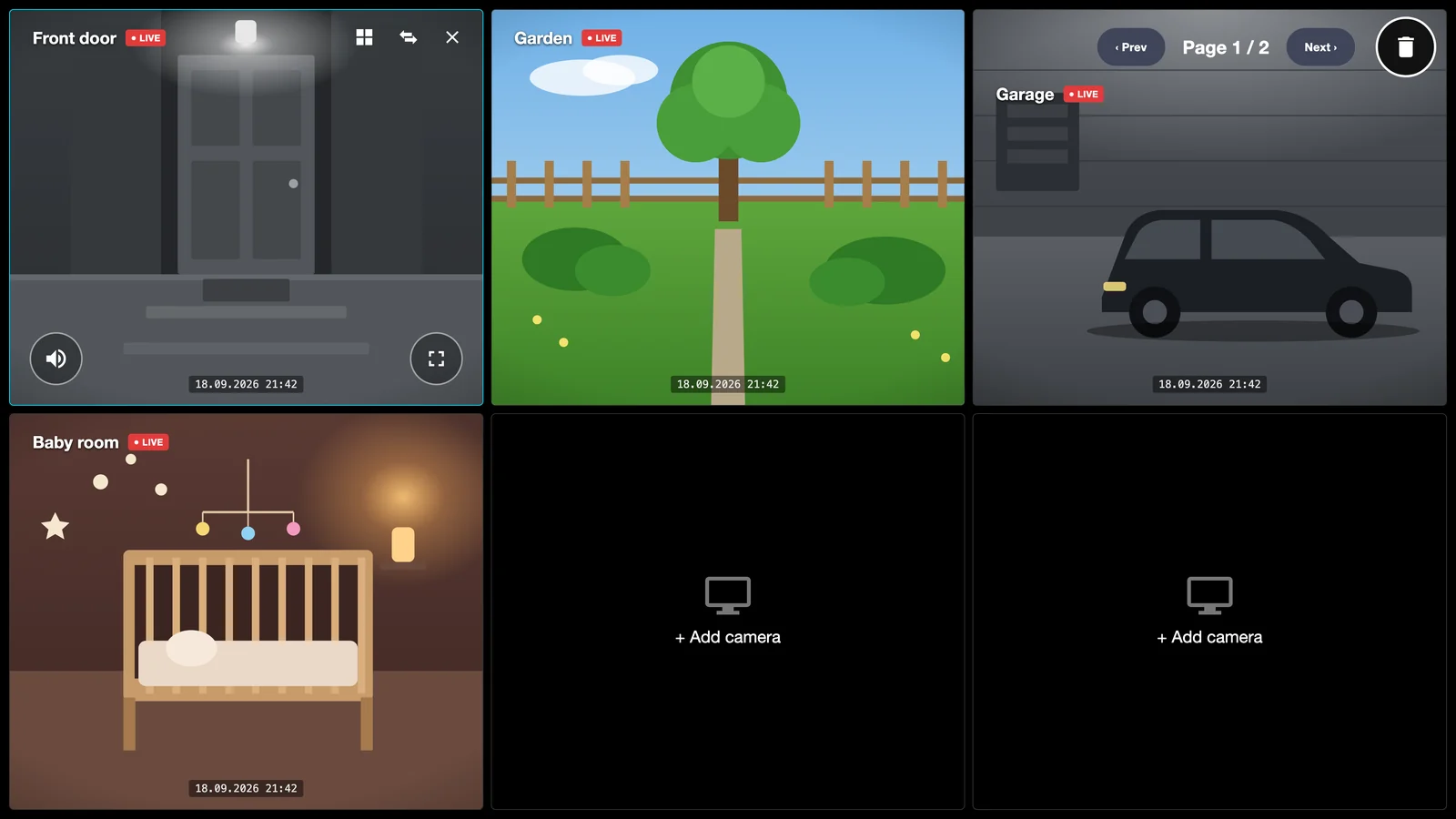
Put 2, 4, 6, 8 or 10 cameras on one screen and page through the rest. Tap any tile to go full screen, tap again to come back.

  • Next / previous paging through up to 50 cameras
  • Automatic reconnect when the network drops
  • Layout remembered for each profile
Multi View with four live cameras: front door, garden, garage and baby room
Add cameras

Set up in seconds, not an afternoon

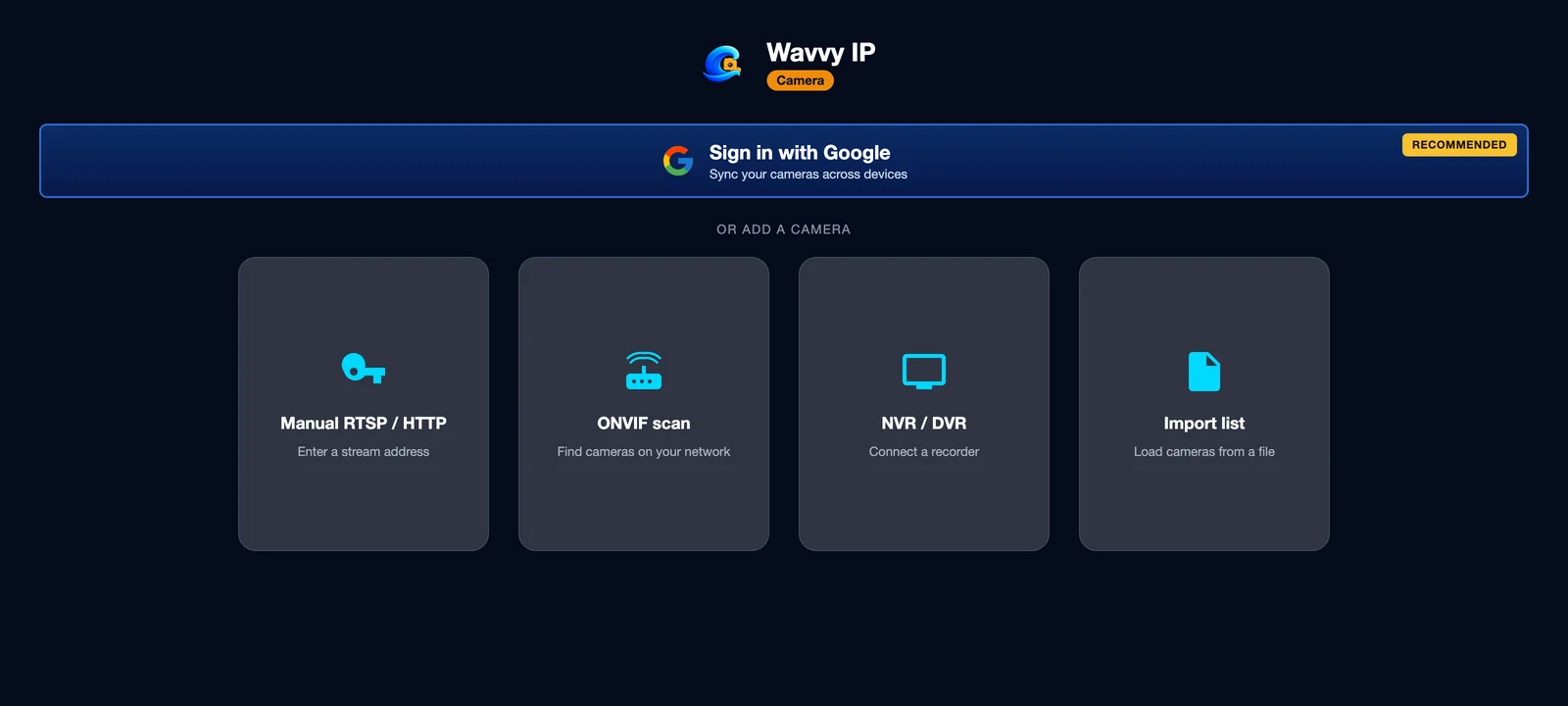
Scan your Wi-Fi for ONVIF cameras, enter one recorder to get every channel, or import a whole list. Manual RTSP works too.

  • ONVIF discovery finds cameras automatically
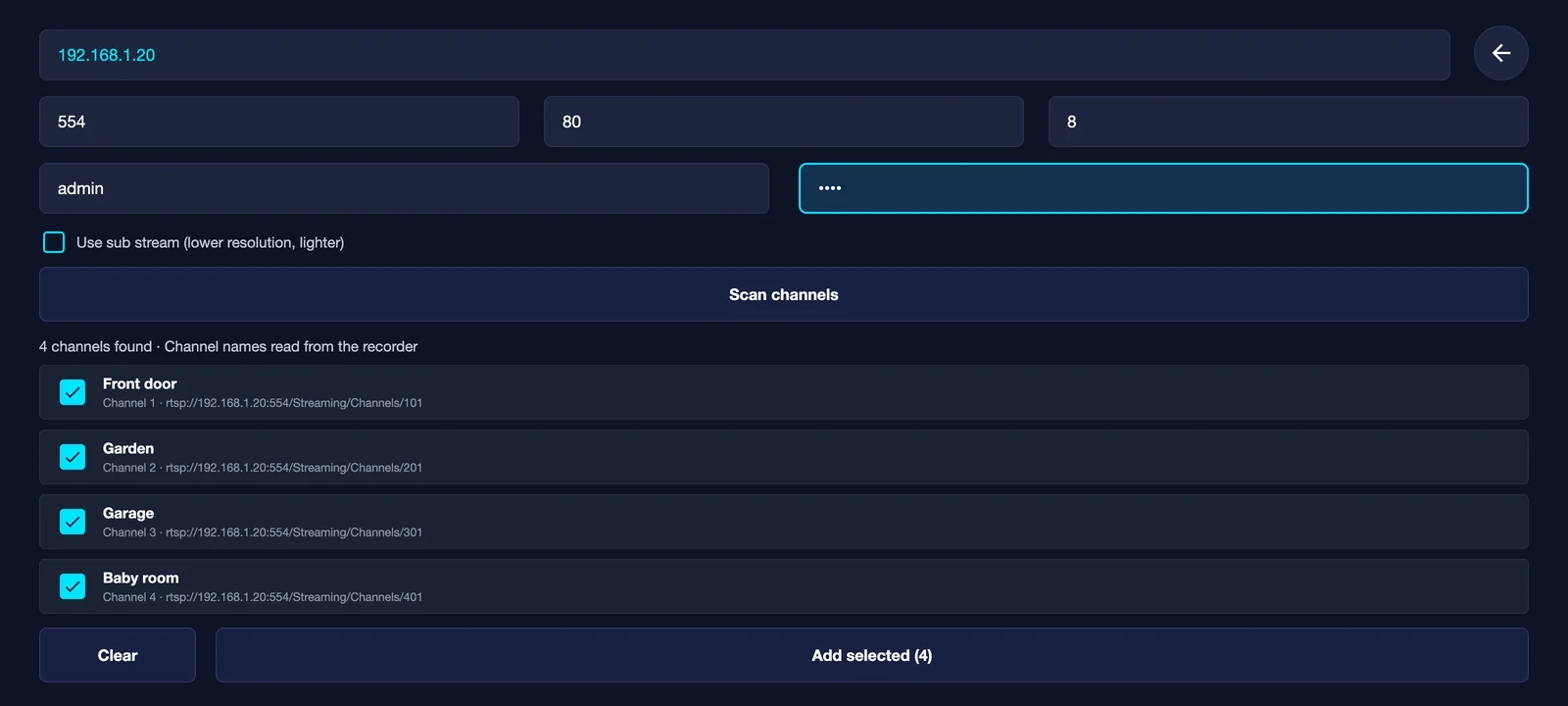
  • Hikvision, Dahua and generic NVR / DVR channel scan
  • Import from M3U, JSON or text, or scan a QR code
  • Watch from anywhere: public IP, DDNS or VPN (Tailscale, WireGuard)
Manual RTSP / HTTPONVIF scanNVR / DVRImport listQR codeRemote access
Choose how to add cameras: manual, ONVIF scan, NVR or DVR, import list
Four channels found on a recorder, ready to add
Android TV & Google TV

Made for the big screen and the remote

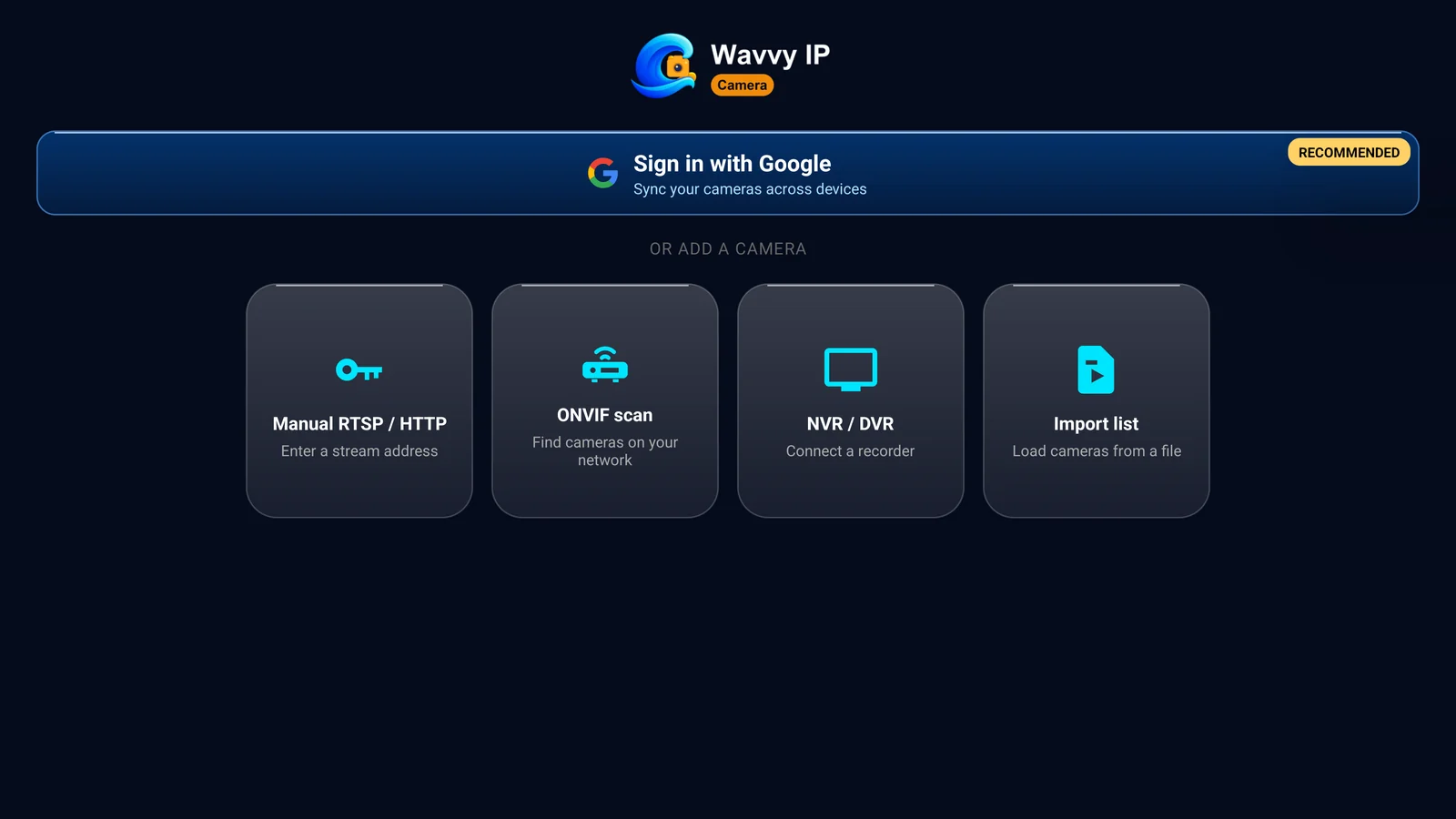
Every screen works with the D-pad. Turn the living-room TV into a camera wall — the baby room while you cook, the front door when the bell rings.

  • Full remote-control navigation, large text, clear focus
  • Bought Pro on your phone? It unlocks on your TV too
  • No ads on TV, ever
Wavvy IP Camera on Android TV
Profiles & sync

Home, office, shop — each in its own profile

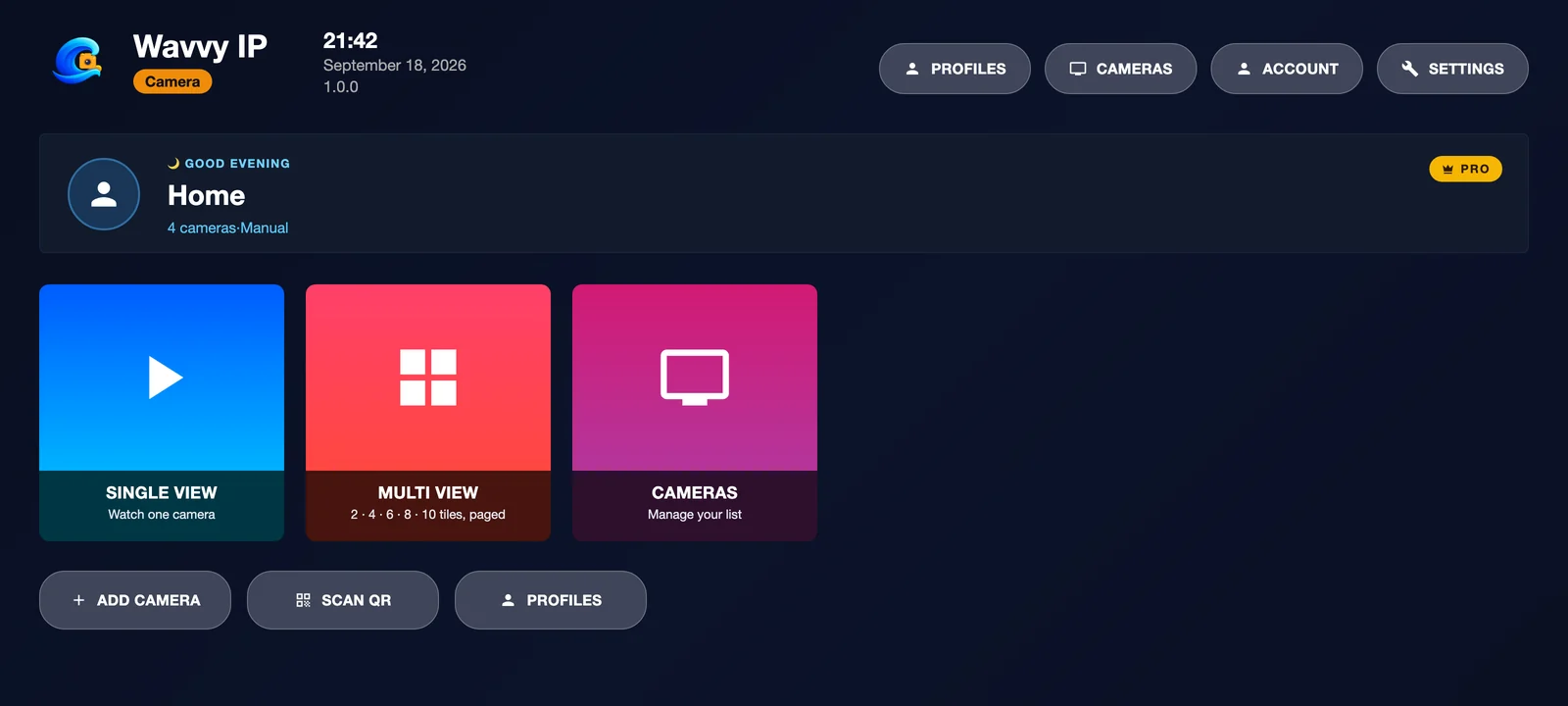
Keep separate camera lists for every place you watch. Sign in with Google and they follow you to every phone and TV.

  • Switch places in one tap from the home screen
  • Reinstall or change phones and everything comes back
  • Rather stay local? Skip sign-in, nothing leaves the device
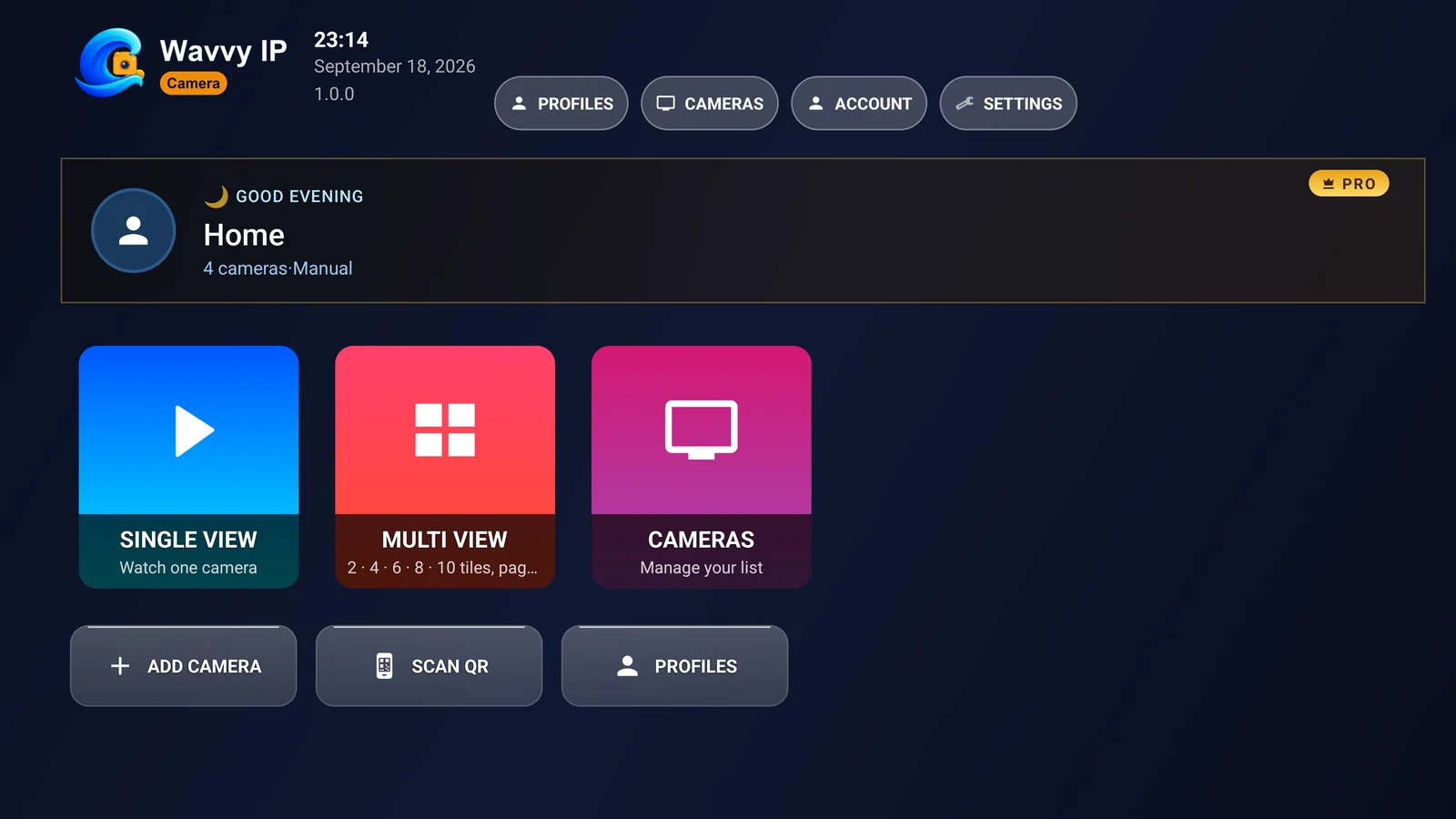
Home screen with the Home profile, four cameras and Pro
Privacy first

Your video stays between your camera and your screen

No cloud recording, no relay servers, no camera-brand lock-in. Wavvy IP Camera talks to your cameras directly over open protocols.

Never through our servers

Live video goes straight from your camera to your phone or TV. It works fully offline on your home network.

Encrypted passwords

Camera passwords are kept in Android's encrypted storage and encrypted again before they are synced.

No account needed

Use it as a guest if you like. Google sign-in is optional and only syncs your profiles and camera list.

Pricing

Start free. Go Pro when you need more.

Every new install gets 7 days of full Pro. After that, use the free version or unlock Pro monthly, yearly or once for life.

Free version
After the trial
  • 2 cameras, 2 profiles, all connection methods
  • Phones: one short ad unlocks an hour
  • Android TV: limited mode, no ads
Free trial
7 days of Pro
  • Every Pro feature unlocked
  • Starts automatically, no card needed
  • Then free version or Pro, your choice
Pro
Unlock everything
  • Up to 50 cameras per profile, 20 profiles
  • Multi View up to 10 cameras
  • Monthly, yearly or one-time lifetime
  • One purchase for your phones and TVs
Compatible with

Works with the cameras you already have

HikvisionDahuaReolinkAmcrestUniviewTP-Link Tapo & VIGIImouFoscamAxisAnnkeLorexSwannEZVIZUniFi ProtectSynologyFrigateBlue Iris

…and any camera, NVR, DVR or app that streams RTSP, ONVIF or MJPEG. Brand names are trademarks of their owners; Wavvy IP Camera is not affiliated with them.

Questions

Can I watch my cameras away from home?

Yes. Your cameras do not have to be on the same Wi-Fi. Enter the camera's public address instead of its local one, for example rtsp://user:pass@203.0.113.10:554/… or a DDNS name such as myhome.duckdns.org. The app connects directly and uses TCP, which works well over the internet.

  • Safest: a VPN to your home network (Tailscale, WireGuard or your router's VPN). Your cameras then work with their usual 192.168.x.x addresses, and nothing is exposed to the internet.
  • Port forwarding: open the camera's or recorder's RTSP port on your router. Use a strong password, because RTSP itself is not encrypted.
  • No public IP? Some mobile and fiber lines share one address between many homes (CGNAT). Port forwarding cannot work there, so use a VPN.
  • Cloud-only cameras: cameras that connect only through the maker's cloud (for example EZVIZ, Imou or Tapo in P2P mode) need RTSP enabled first. The app does not use relay servers.
  • Automatic ONVIF scanning finds cameras on your local network only. Add remote cameras manually or through their NVR.
Does my video go to the cloud?

No. Video travels directly from your camera to your device. Only your profile and camera list are synced, and only if you sign in with Google.

Does the app record or send motion alerts?

No. Wavvy IP Camera is a live viewer, not a security or alarm system. Use your recorder or a dedicated service for recording and alerts.

Will it work with my camera?

If your camera, NVR or DVR offers RTSP, ONVIF or MJPEG, it will almost certainly work. The app includes a connection test so you know before you save.

I bought Pro on my phone. Does it work on my TV?

Yes. Purchases follow your Google Play account. Sign in with the same account on your Android TV and Pro unlocks there too.

Your cameras, on every screen

Free to download. 7 days of Pro on us.